
My TV is off. The screen is black. The little red light is on, which is TV for “I’m asleep, leave me alone.” And yet, every single night, it eats 18 watts. Not while I’m watching it. While I’m asleep, while nobody is in the room, while the TV is doing absolutely nothing except waiting to be turned on again. Eighteen watts, all night, every night, for the privilege of turning on two seconds faster.
That is the whole scam of standby power. Your gadgets are not off. They are hovering, awake enough to listen for a remote or stay logged into a network, and they charge you rent for it. One device is a joke. A whole house of them is a second electricity bill hiding inside the first one.
So I built a hunter. It reads smart-plug power data, finds which devices never actually sleep, turns that into real money, and sends me a nightly report on Telegram. The version in this post runs in demo mode on built-in sample data, so you can try it without a smart plug or a Telegram token. It is home energy monitoring ai python, minus the part where you have to buy anything first.
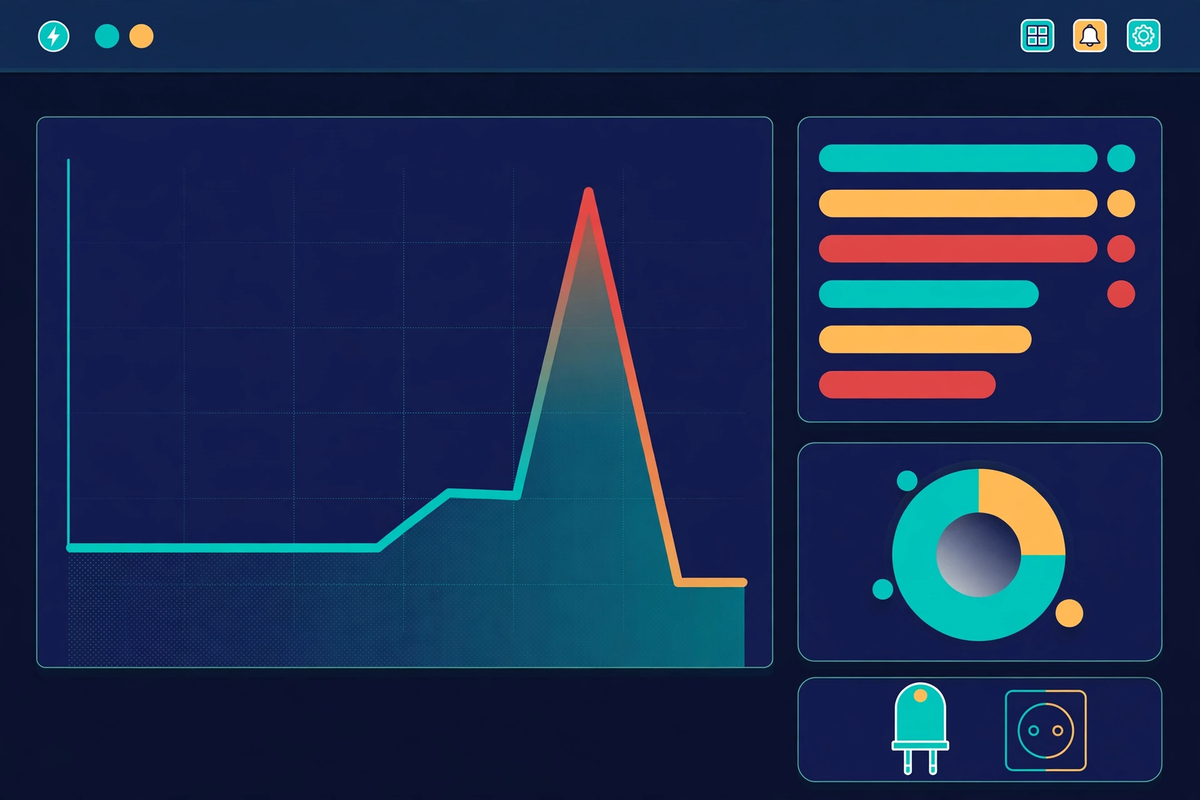
Why standby power is a thief
Standby power is hard to notice because it is designed to be hard to notice. Nobody checks their electricity meter at 3am. Nobody stands in a dark living room wondering what the soundbar is doing. The answer is: drawing 8 watts, for no reason, all night. A TV pulling 18 watts sounds like nothing, and your kettle pulls more than a hundred times that. But your kettle runs for three minutes. Your TV’s standby mode runs for roughly 8,760 hours a year, minus the hours you actually watch it. Small number, enormous number of hours.
Here is the part that got me. My TV in standby draws 18 watts. My microwave, which has an actual clock on it that I actually look at, draws 3 watts. My printer draws 1.5 watts. The TV is not keeping time or keeping food cold. It is keeping a red light on, and it charges six times what the microwave charges to do it. You think you turned everything off before bed. You did not. You put things into a mode that sounds like off and bills like on.
What you need
Almost nothing: a computer with Python 3.10 or newer, the pandas library, and this project.
For the real version, you need one smart plug per device you want to watch, or one smart plug you move around the house like a detective. TP-Link Tapo and Kasa plugs work. Shelly plugs work and talk to your local network without a cloud account. If you already have Home Assistant, your plugs are probably already in there.
You also need a Telegram bot if you want the nightly report on your phone. Making one takes about two minutes with BotFather, and it is free. The demo does not need it: it prints the report to your terminal instead. Last, you need your electricity tariff, the price per kilowatt-hour on your bill. The demo uses $0.16 per kilowatt-hour. If yours is different, change one number in config.py and every cost follows.
The folder you download looks like this:
energy-vampire-hunter/
├── main.py, hunter.py, report.py, config.py
├── requirements.txt, README.md
└── sample_data/plug_readings.csv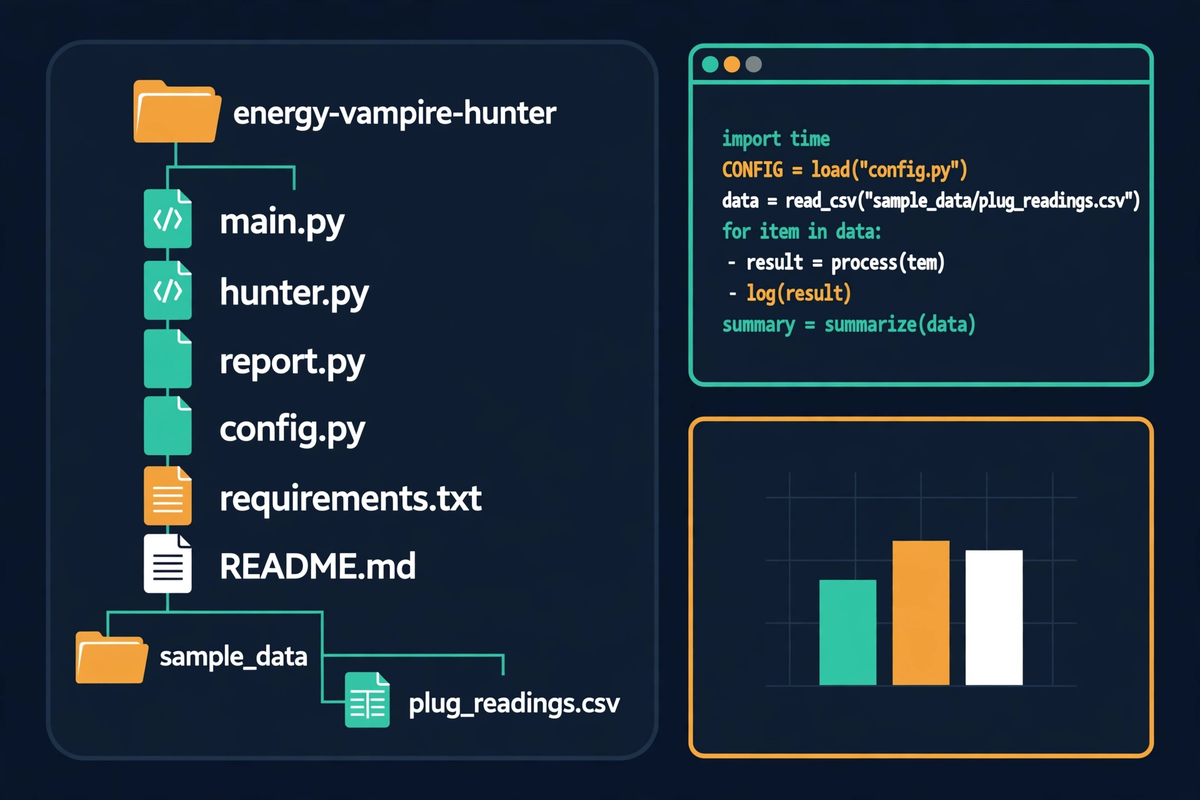
Three Python files do the work, one file holds the settings, and one CSV holds the sample data.
How it works
Every hour, each smart plug records how many watts its device is drawing. The hunter keeps only the readings from 00:00 to 06:00, six hours when nothing in the house should be in use. If a device is drawing steady power at 3am, it is not being used. It is leaking.
For each device, the hunter takes the median of its night-time readings. Median, not average: an average gets dragged around by one weird hour, like a firmware update at 2am.
Then comes the rule. If a device’s median night draw is 5 watts or more, and it is not on the essential list, it is a vampire. Five watts is the line because below it the yearly cost gets small enough that unplugging things becomes more annoying than it is worth. A printer at 1.5 watts costs $2.10 a year; a TV at 18 watts costs $25.23 a year. That one gets a smart plug with a schedule.
The essential list matters because not everything that stays on is a vampire. My Wi-Fi router draws 9 watts all night, more than the soundbar. But the router is supposed to be on. Unplugging it to save $12.61 a year means no internet and a house full of people asking why the Wi-Fi is down. The hunter still reports the router’s cost, but it does not rank it as a vampire.
Once the vampires are ranked, worst first, the report lists each one, totals it up, names the worst offender, and suggests the fix: cut power from 00:00 to 06:00, or unplug them. In demo mode that report goes to your screen. In real mode it goes to Telegram at 6am.

The maths
There are only three ideas here. First, watts: a rate, like speed. Second, kilowatt-hours: the total, and the unit on your bill. One kilowatt, 1,000 watts, running for one hour is one kilowatt-hour. To get from watts to kilowatt-hours per year, multiply watts by the hours in a year, 8,760, and divide by 1,000. Third, money: multiply kilowatt-hours by your tariff. My TV draws 18 watts, so 18 times 8,760 divided by 1,000 is 157.68 kilowatt-hours a year, and 157.68 times $0.16 is $25.23 a year. That is the whole calculation.
Now the whole sample house. All of these numbers come from the built-in sample data: 1,008 hourly readings, 6 devices, 7 days from 2026-11-20 to 2026-11-26, at $0.16 per kilowatt-hour. The Living Room TV sits at 18.0 watts, 157.68 kilowatt-hours a year, $25.23 a year. The Game Console sits at 12.0 watts, 105.12 kilowatt-hours a year, $16.82 a year. The Soundbar sits at 8.0 watts, 70.08 kilowatt-hours a year, $11.21 a year. Together the three vampires draw 38 watts, use 332.88 kilowatt-hours a year, and cost $53.26 a year, or $4.44 a month.
The other three still cost money. The Wi-Fi Router draws 9.0 watts, 78.84 kilowatt-hours a year, $12.61 a year, but it is essential, so it is not a vampire. The Microwave draws 3.0 watts, 26.28 kilowatt-hours a year, $4.20 a year. The Printer draws 1.5 watts, 13.14 kilowatt-hours a year, $2.10 a year. All six together cost $72.17 a year in standby, and the three vampires are responsible for $53.26 of it. The TV alone is 47.4% of the vampire total.
Shrink it to one night. The TV draws 18 watts for six night hours: 108 watt-hours, or 0.108 kilowatt-hours, in one night, and 0.432 kilowatt-hours over a full day, because standby does not stop at 6am. These yearly figures are extrapolations from 7 days of sample data, assuming the device keeps behaving the same way all year.
Build it
Start with the settings, because every number flows from one file. In config.py, set TARIFF_USD_PER_KWH = 0.16 to whatever your bill says, keep STANDBY_THRESHOLD_WATTS = 5.0, and keep the night window at 00:00 to 06:00 unless your household genuinely sleeps at a different time. If you work nights, your “night” is different, and the hunter needs to know that.
Next, the sample data. The file sample_data/plug_readings.csv has three columns: timestamp, device, watts. One row per device per hour. The TV reads 118 watts when it is on, the Game Console reads 145 watts, and the Microwave spikes to 1,100 watts. At night they all drop back to standby. Your real data needs the same shape: TP-Link plugs can be polled with python-kasa, Shelly plugs expose power over a local web page, and Home Assistant can export the same three columns.
Now the detection, in hunter.py:
def standby_watts(df):
    night = df[(df["timestamp"].dt.hour >= 0) & (df["timestamp"].dt.hour < 6)]
    return night.groupby("device")["watts"].median()

def annual_cost(standby_w):
    annual_kwh = standby_w * HOURS_PER_YEAR / 1000.0
    return annual_kwh, annual_kwh * TARIFF_USD_PER_KWH
The analyse function takes the median night watts for each device, runs the cost maths, checks the 5-watt rule and the essential list, and returns a table ranked by standby watts, worst first. There is no machine learning here, and that is a feature. A median and a threshold are explainable. If the hunter flags the wrong device, you can see exactly why in ten seconds.
The report lives in report.py. It formats the vampire list, adds up the totals, and names the worst offender, calling the same annual_cost function and the same tariff from config.py. One formula, one tariff, one answer. Telegram is a tiny function in the same file; if the token or chat id is missing, it raises an error instead of pretending it sent something.
Finally, main.py runs the whole thing:
pip install -r requirements.txt
python3 main.py
That is the demo. For the real version, set your Telegram token and chat id in config.py or as environment variables, run python3 main.py --real, and schedule it with a 6am cron line:
0 6 * * * cd /home/pi/energy-vampire-hunter && python3 main.py --realExpected outcome
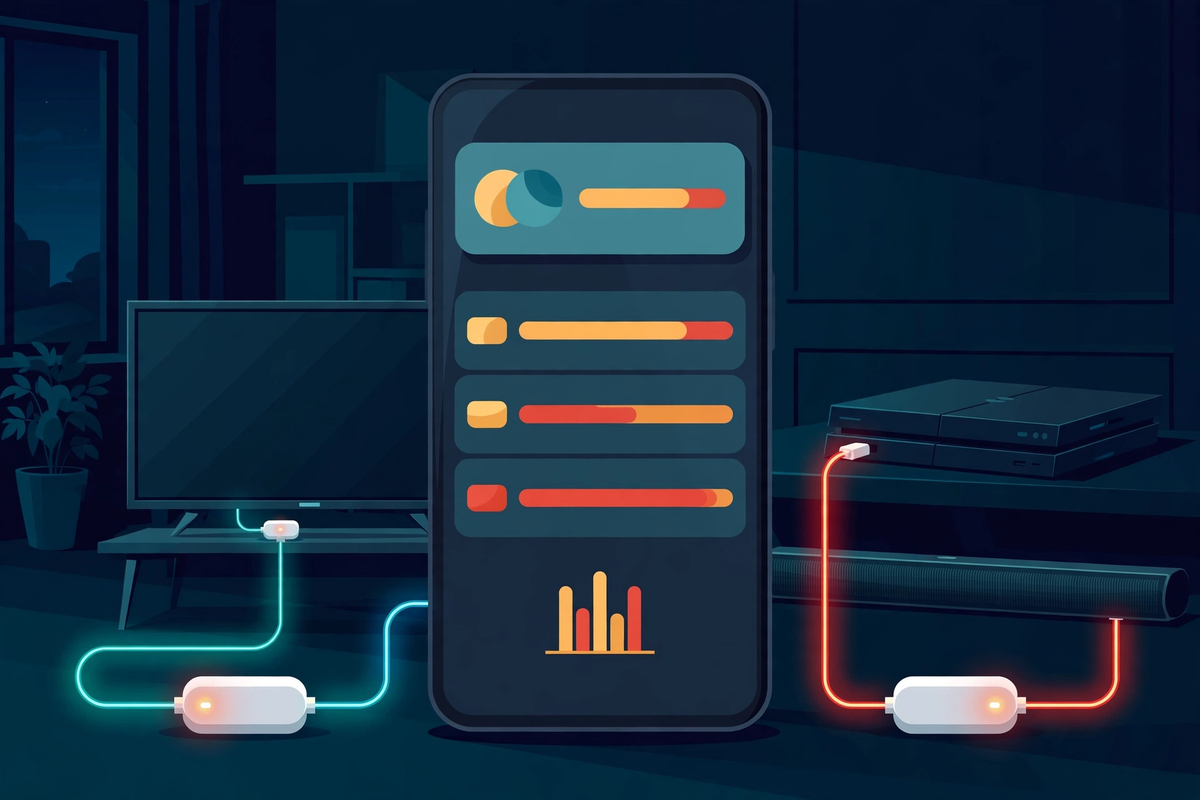
Run python3 main.py and you should see exactly this, because this is the actual output from the demo run on the built-in sample data:
Loaded 1008 readings, 6 devices, 7 days

Per-device standby (median night watts, 00:00-06:00):
        device  standby_watts  annual_kwh  annual_cost_usd  is_vampire  is_essential
Living Room TV           18.0      157.68            25.23        True         False
  Game Console           12.0      105.12            16.82        True         False
  Wi-Fi Router            9.0       78.84            12.61       False          True
      Soundbar            8.0       70.08            11.21        True         False
     Microwave            3.0       26.28             4.20       False         False
       Printer            1.5       13.14             2.10       False         False

🧛 NIGHTLY VAMPIRE REPORT
Tariff: $0.16/kWh

Devices that never sleep (standby >= 5 W):
- Living Room TV: 18.0 W standby, 157.68 kWh/year, $25.23/year
- Game Console: 12.0 W standby, 105.12 kWh/year, $16.82/year
- Soundbar: 8.0 W standby, 70.08 kWh/year, $11.21/year

Vampire total: 332.88 kWh/year, $53.26/year
All devices standby total: $72.17/year

Also drawing power overnight (not flagged):
- Wi-Fi Router: 9.0 W standby, $12.61/year (essential, always on)
- Microwave: 3.0 W standby, $4.20/year (below 5 W threshold)
- Printer: 1.5 W standby, $2.10/year (below 5 W threshold)

Worst offender: Living Room TV at 18.0 W standby -- $25.23/year for doing nothing.
Fix: put the vampires on a smart plug schedule
that cuts power 00:00-06:00, or unplug them.

[demo mode] Report printed, not sent. Use --real with a Telegram token to send it.
Read it as a story. The TV is the villain, the console is its sidekick, and the soundbar is the quiet one you forgot about. The router is the honest worker who stays up all night because someone has to. The microwave and the printer are innocent, and the hunter says so, which is what makes the guilty verdicts believable.
The outcome you actually want is what happens after the report. Put the TV, console and soundbar on one smart plug and cut power from 00:00 to 06:00. In the sample house that removes the vampires’ $53.26 a year.
What broke
The first real failure was embarrassingly basic. The sample data path in config.py was a plain relative path, sample_data/plug_readings.csv, and it worked perfectly as long as I ran the project from its own folder. The moment I ran it from anywhere else, it died with FileNotFoundError: [Errno 2] No such file or directory: 'sample_data/plug_readings.csv'. The fix is in the version you download: the path is now built from the location of config.py itself, using Path(__file__).parent, so the project finds its own sample data no matter where you run it from. I re-ran the demo from /tmp after the fix and it loaded the same 1,008 readings.
The second failure was my own thinking. My first version flagged the router as a vampire. It drew 9 watts, the threshold was 5 watts, so the hunter did its job and flagged it. The hunter was right and the answer was useless. Nobody is unplugging their router at night to save $12.61 a year. So the essential list exists now, and the router is reported but not ranked.
There was also a smaller scare while checking the numbers. The per-device yearly costs add up to $72.17, and the devices together draw 51.5 watts. Multiply it out yourself and you will find the totals disagree by a cent, because each device’s cost is rounded to two decimal places before adding. That is rounding, not a bug.
Download the full project
Everything in this post is in the download: the Python files, the README with the real smart-plug API notes, and the sample data with 1,008 readings across 6 devices and 7 days. Run the demo, check the numbers against the report above, then point it at your own plugs and see what your house is doing at 3am.
Premium Download
Get the complete project code
Your TV is off. Probably. Now you can prove it.