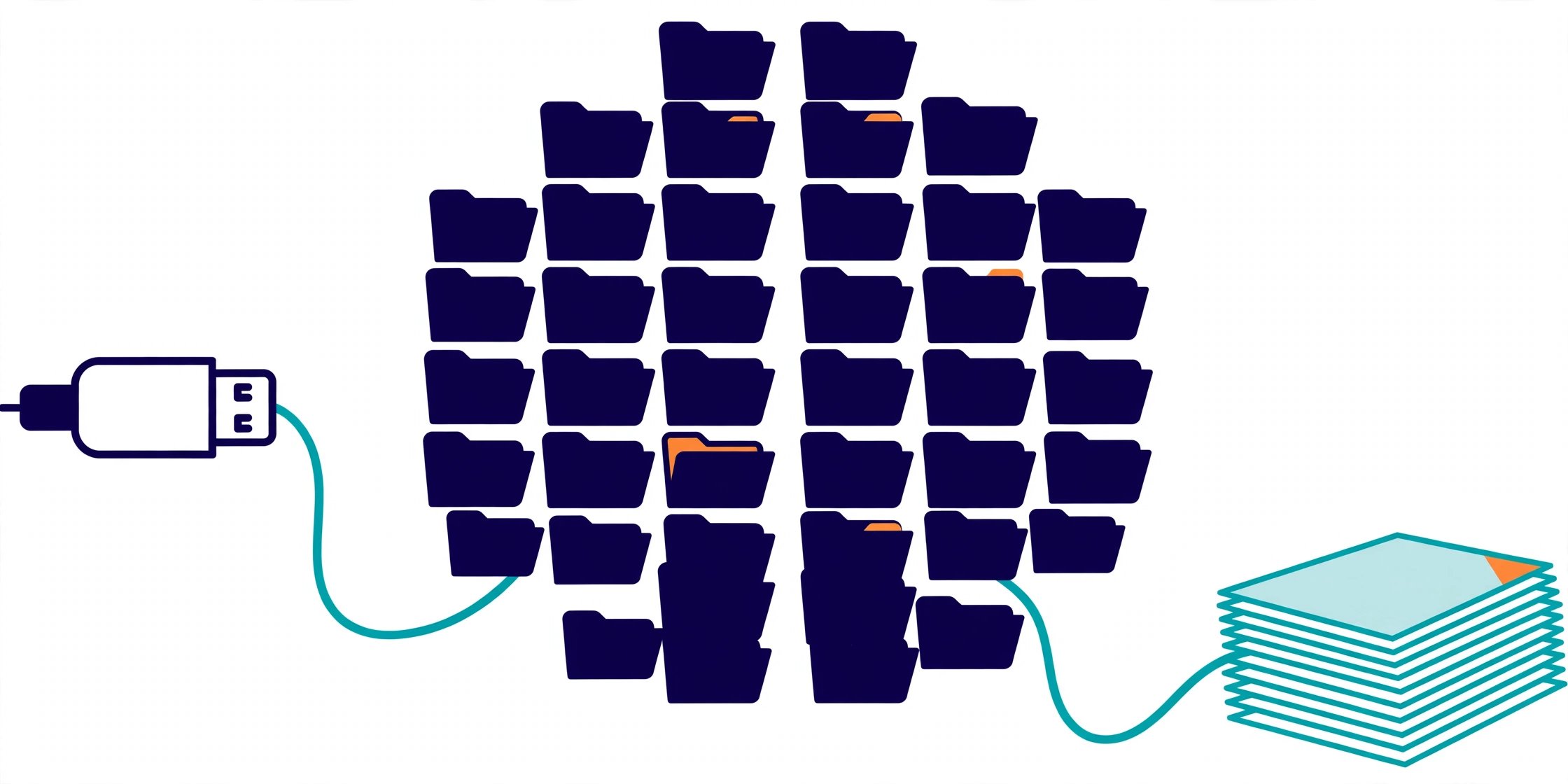
Turn a folder of notes into tools your AI can actually use. Ask “find the note where I promised Sara the invoice by Friday” and it finds it — with a score that tells you how sure it is. MCP, the Model Context Protocol, is the USB-C port for your brain: one standard plug that lets any AI connect to your notes.

What it does
An MCP server turns a folder of plain Markdown notes into tools an AI can call. Instead of pasting notes into a chat window, the AI asks the server: search my notes, summarise this note, file a new note. The server does the searching, and the AI does the answering. MCP — the Model Context Protocol — is the standard that makes it work, like a USB-C port: one plug, and any AI that speaks MCP can connect to your notes.
What it found for me
I asked it the question I actually needed answered: “find the note where I promised Sara the invoice by Friday.” It came back with 2026-11-20-promise-to-sara.md — score 0.91:
“Promised Sara the invoice is attached and the payment goes out Thursday morning. Due Friday. Don’t forget — she checks on Friday.”
The score is out of 1. Above 0.75 is usually right, below 0.5 is guessing. It summarised the note in one line: “You owe Sara an invoice, due Friday, paid Thursday.” Then it filed a new note, the hosting bill due on the 28th, as 2026-11-26-hosting-bill.md.

How it works
- Your notes as Markdown files in a
notes/folder. - Chroma turns them into searchable vectors, so the server can find notes by meaning, not just by exact words.
- FastMCP exposes three tools:
search_notes,summarise_noteandfile_note. It cannot delete, rename or rewrite your notes. - The smolagents client picks a tool and answers. It decides which tool to call, calls it, and turns the result into a reply.
You ask a question
  -> smolagents picks a tool
  -> FastMCP runs search_notes
  -> Chroma searches your notes
  -> you get an answer, with a score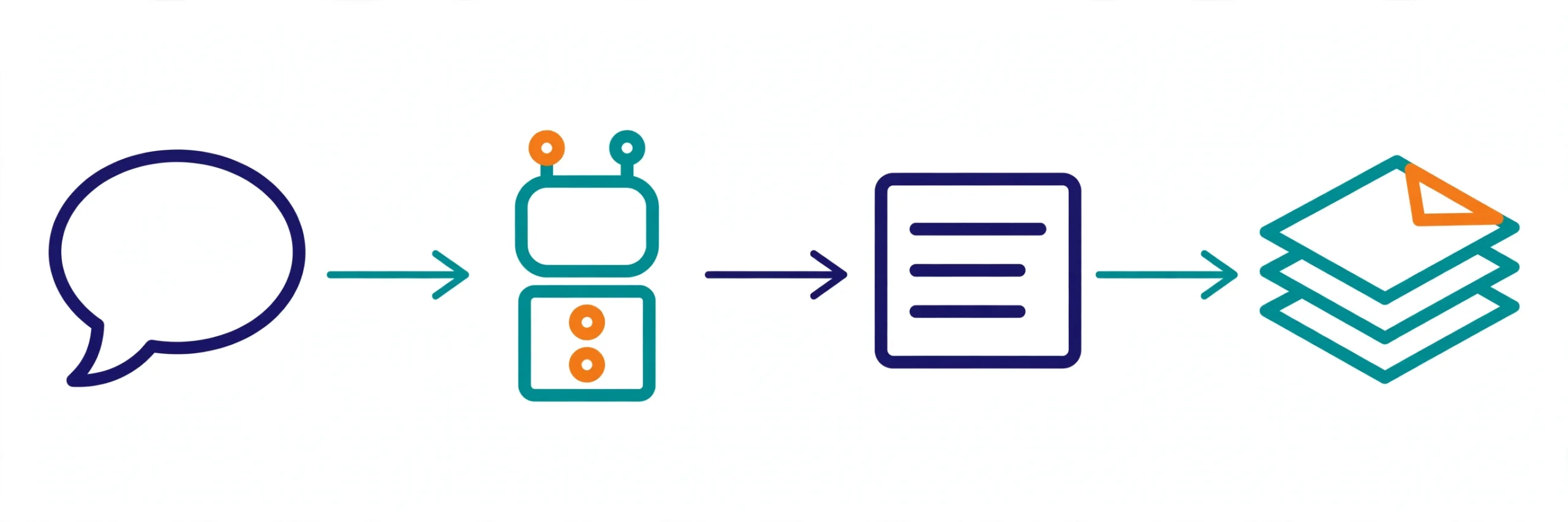
The relevance score
similarity = 1 - distance
Distance runs from 0 to 2.
distance 0.09 -> similarity 0.91
distance 1.4 -> similarity 0.4
Top 3 results, cutoff 0.5 in config.py
A distance of 0 means the note matches the question exactly; a distance of 2 means it could hardly be further away. The server returns the top 3 results, and only keeps results with a score of 0.5 or higher, as set in config.py.
What you need
- Python 3.12
- A folder of Markdown notes — or the 3 sample notes included in the download
- A Gemini API key — free, no card — only for the smolagents client
- No OpenAI key
Build it
- Install it:
pip install -r requirements.txt— that installs FastMCP, smolagents and Chroma, and the embedding model downloads on the first run. - Configure it:
cp .env.example .envand setNOTES_DIR=notes. - Start the server:
python server.py. It reads your notes and builds the Chroma index. The first start takes about a minute, and a search takes about 2 seconds. Leave the terminal running. - Ask it something, in a second terminal:
python client.py "find the note where I promised Sara the invoice by Friday"The code
mcp-server/
├── server.py
├── client.py
├── config.py
├── notes/
│   ├── 2026-11-20-promise-to-sara.md
│   ├── 2026-11-18-blog-ideas.md
│   └── 2026-11-22-hosting-bill.md
├── requirements.txt
└── .env.example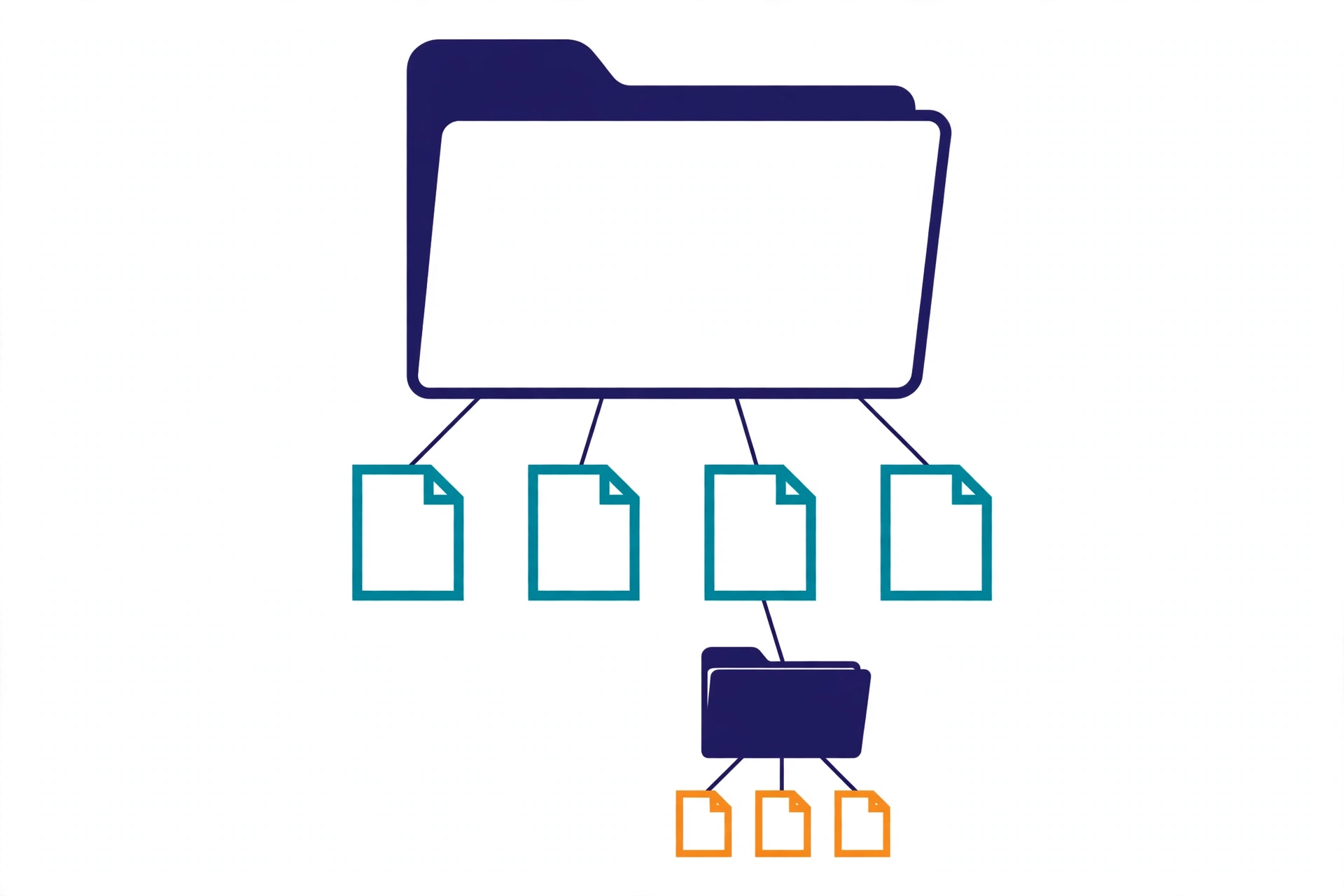
server.py exposes the three tools with FastMCP. The score is round(1 - dist, 2), and only results at or above the minimum score are returned:
from fastmcp import FastMCP
from config import MIN_SCORE, NOTES_DIR
from notes_index import search_index, load_note, save_note

mcp = FastMCP("notes")


@mcp.tool()
def search_notes(query: str):
    """Search your notes and return the best matches with scores."""
    matches = []
    for filename, dist in search_index(query, top_n=3):
        score = round(1 - dist, 2)
        if score >= MIN_SCORE:
            matches.append({"file": filename, "score": score})
    return matches


@mcp.tool()
def summarise_note(filename: str):
    """Summarise one note by its exact filename."""
    return load_note(filename)


@mcp.tool()
def file_note(title: str, body: str):
    """File a new note. It can only add notes - it cannot delete, rename or rewrite them."""
    return save_note(title, body)


if __name__ == "__main__":
    mcp.run(transport="http", port=8000)
client.py connects a smolagents CodeAgent to the server over HTTP:
from smolagents import CodeAgent, LiteLLMModel, MCPClient

model = LiteLLMModel(model_id="gemini/gemini-2.5-flash")
mcp = MCPClient({"url": "http://localhost:8000/mcp"})
agent = CodeAgent(tools=mcp.get_tools(), model=model)

print(agent.run("find the note where I promised Sara the invoice by Friday"))
Make it run
Run it on your own computer first: the server stays running, and you use the client whenever you need it. Your notes never leave your machine, except for the one question sent to Gemini.
For a schedule, put the client call in a script and run it with GitHub Actions or cron, like the 7am runs in Day 1 and Day 2 — but the server must be reachable when the client runs.
What broke
- It searched nothing. The Chroma collection was never saved. Fix: set the persist directory in
config.py. - It summarised the wrong note. The agent guessed filenames. Fix: always call
search_notesfirst, then pass the exact filename tosummarise_note. - It filed notes with terrible names. Fix: slugify the title — lowercase, with dashes.
Download the project
Unzip it, run pip install -r requirements.txt, copy .env.example to .env, start the server with python server.py, then ask it the Sara question with python client.py.