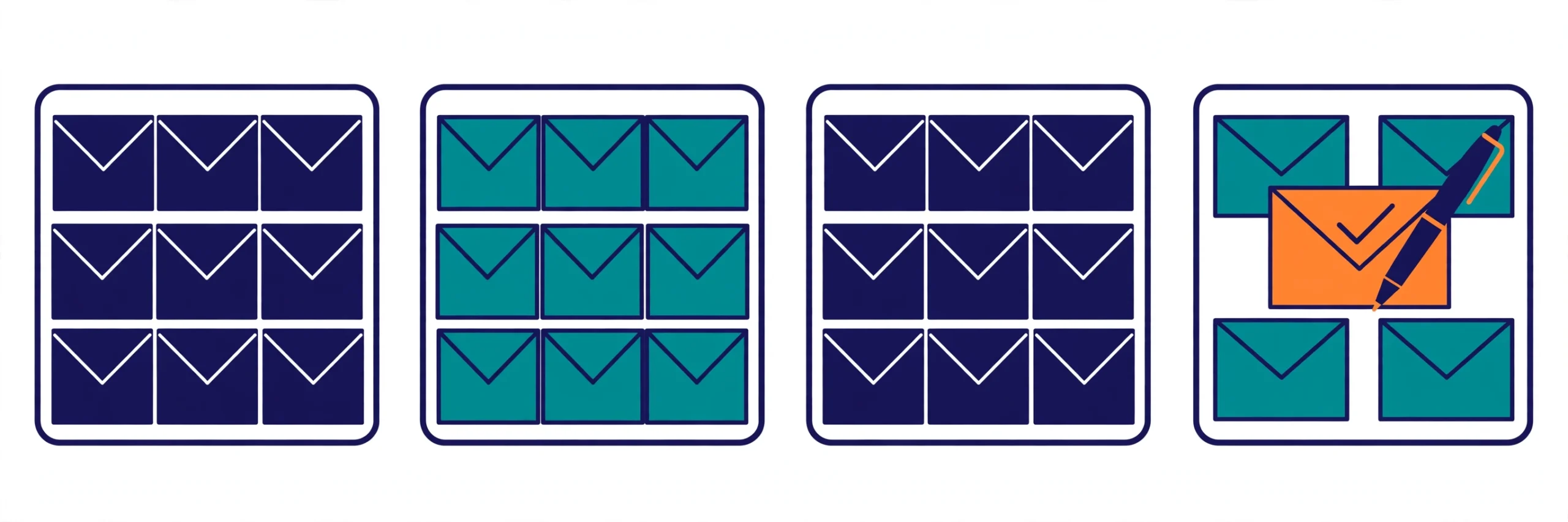
Every morning I open Gmail to 47 unread messages. Most of them can wait. A few of them can’t. This agent tells the difference — it sorts the inbox into four piles, drafts replies to the ones that actually need me, and never sends anything on its own.

What it does
It reads your unread Gmail, sorts it into four piles, and drafts replies to the ones that actually need you — in your voice. Then it stops. It never sends anything. There is no send call in the code. The drafts sit in Gmail waiting for you. You approve them, edit them, or delete them.
What a run looks like
A test inbox, 47 unread in.
| Pile | Count | What happened |
|---|---|---|
| Urgent | 5 | Drafted first, labelled Urgent |
| Reply needed | 12 | Labelled Reply-Needed, no draft in this run |
| Newsletter | 22 | Labelled Newsletter, no draft |
| Receipts | 8 | Labelled Receipts, no draft |
The top 5 were all 5 Urgent emails, so none of the 12 Reply-needed got a draft this time.
Five drafts came out. Three examples:
Hi Sara — got it, the invoice is attached to this reply. The payment is due Friday, so I’ll send it Thursday morning. Let me know if the numbers look off. — Mahmud
To Sara, about the invoice
Hi Arif — yes, Thursday 09:00 works for the contract call. I’ll bring the updated draft. If anything changes before then, I’ll message you here. — Mahmud
To Arif, about the contract call
Hi — thanks for the reminder. I’ll renew before the 28th so the site stays up. Please confirm once the payment goes through. — Mahmud
To the hosting company, about the renewal
I approved 3 of the 5, edited 1, deleted 1.
How it works
- Gmail, read-only to start, up to 20 unread.
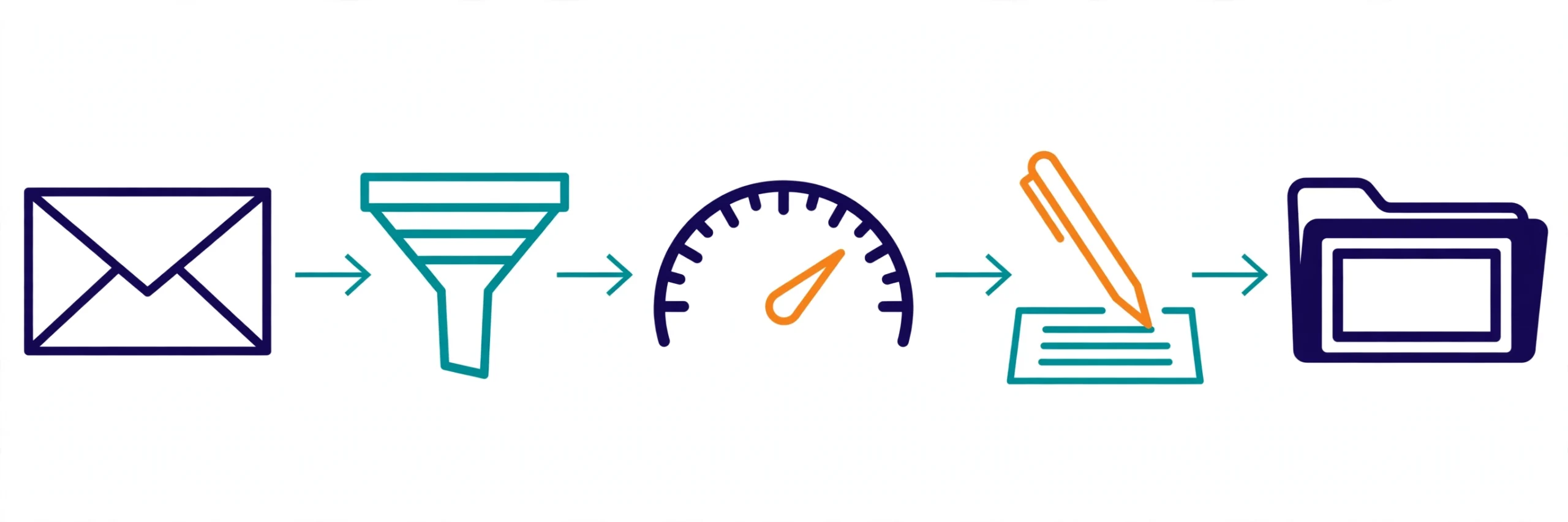
- Rules sort the obvious stuff first. Newsletters and receipts never reach the AI.
- Score what is left.
- Gemini drafts the replies. Only the top 5, only if Urgent or Reply needed.
- Drafts, not sends. Each draft is saved in Gmail, in the same thread.
Whole run uses 5 Gemini requests at most.
The triage maths
Rules first, then score.
Newsletter if List-Unsubscribe header or noreply/newsletter sender or 'unsubscribe' in subject
Receipt if subject says receipt/payment received/order confirmed
Urgent if score 5 or more
Reply needed if score 3 or more or email asks a question
Then the score:
def priority_score(email):
    score = 1
    sender = (email.get("sender", "") or "").lower()
    subject = email.get("subject", "") or ""
    body = email.get("body", "") or ""

    if any(word in sender for word in IMPORTANT_SENDERS):
        score += 2
    if any(word in (subject + " " + body).lower() for word in URGENT_WORDS):
        score += 2
    if 5 <= len(subject) <= 60:
        score += 1
    if "?" in subject or "?" in body:
        score += 1
    return score
Work it through: Sara, client invoice, “Invoice attached — due Friday?”: 1+2+2+1+1=7, Urgent, drafted first. Arif, “Contract call Thursday?”: 1+2+0+1+1=5, Urgent, drafted second. Friend, “Lunch next week?”: 1+0+0+1+1=3, Reply needed.
What you need
- Python 3.12.
- A Google account, for Gmail.
- A Gemini API key — free, no card, from Google AI Studio.
- A GitHub account, only if you want it scheduled.
- No OpenAI key.
Build it
- Gemini API key from aistudio.google.com. Paste it into .env as GEMINI_API_KEY.
- Gmail access via Google Cloud Console. Enable the Gmail API, create an OAuth Desktop app, and download credentials.json. The scope is gmail.modify. The code never sends.
- Teach it your voice: replace voice.txt with three real replies you actually sent.
- Dry run first.
- Run it for real.
cp .env.example .env
pip install -r requirements.txt
python main.py --dry-run
python main.pyIt prints one line per email and ends with a count and 0 sent.
The code
Four Python files.
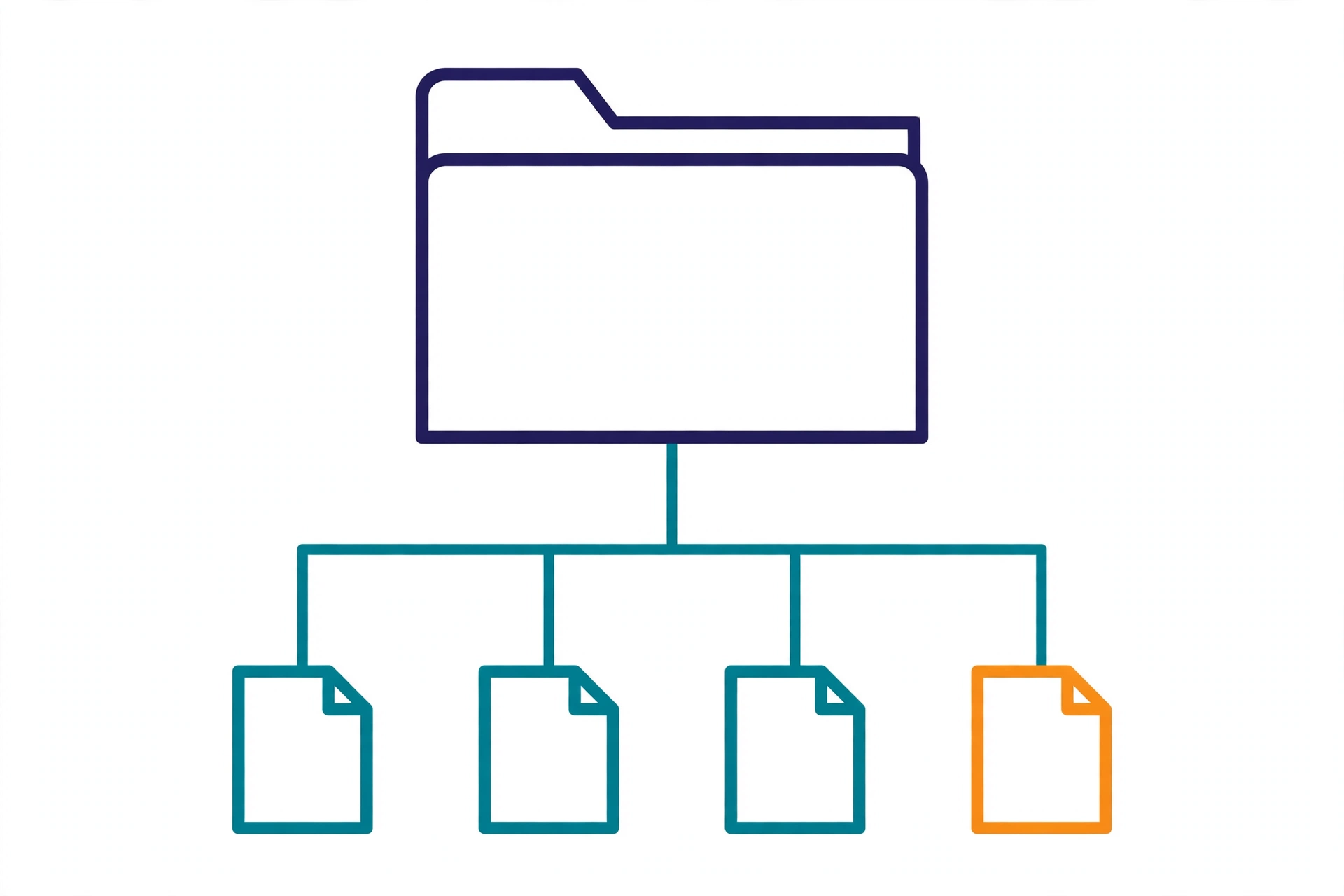
inbox-triage-agent/
  main.py
  triage.py
  gmail_client.py
  config.py
  voice.txt
  requirements.txt
  .env.example
  .github/workflows/inbox-triage.yml
main.py is the whole story:
import argparse

from config import load_settings
from gmail_client import create_draft, ensure_label, get_gmail_service, get_unread_emails
from triage import classify, draft_reply, rank_for_drafting


def main():
    parser = argparse.ArgumentParser()
    parser.add_argument("--dry-run", action="store_true")
    args = parser.parse_args()

    settings = load_settings()
    gmail = get_gmail_service()
    emails = get_unread_emails(gmail)

    labels = {}
    for name in ("Urgent", "Reply-Needed", "Newsletter", "Receipts"):
        labels[name] = ensure_label(gmail, name)

    drafted = 0
    sent = 0
    for email in emails:
        email["pile"] = classify(email)

    for email in rank_for_drafting(emails):
        if args.dry_run:
            print(f"Would draft: {email['subject']}")
            continue
        reply = draft_reply(email, settings)
        create_draft(gmail, email, reply)
        drafted += 1
        print(f"Drafted: {email['subject']}")

    print(f"{len(emails)} unread: {drafted} drafts, {sent} sent.")


if __name__ == "__main__":
    main()
The sorting lives in triage.py. Rules first, then score:
def classify(email):
    """Rules first, then score. Returns a pile name."""
    sender = (email.get("sender", "") or "").lower()
    subject = (email.get("subject", "") or "").lower()
    body = (email.get("body", "") or "").lower()
    headers = email.get("headers", {})

    if "list-unsubscribe" in headers:
        return "Newsletter"
    if "noreply" in sender or "newsletter" in sender:
        return "Newsletter"
    if "unsubscribe" in subject:
        return "Newsletter"

    if "receipt" in subject or "payment received" in subject:
        return "Receipts"
    if "order confirmed" in subject:
        return "Receipts"

    score = priority_score(email)
    if score >= 5:
        return "Urgent"
    if score >= 3 or "?" in body:
        return "Reply-Needed"
    return "Newsletter"
The draft prompt to Gemini: “Write a reply draft to this email. Under 80 words. Match the tone of the voice samples. No ‘I hope this email finds you well’. Sign off with the sender’s first name only.”
Make it run every morning
GitHub Actions is recommended. The file .github/workflows/inbox-triage.yml is already in the project. Push the folder to a private repo and add three secrets: GEMINI_API_KEY, GMAIL_CREDENTIALS_JSON and GMAIL_TOKEN_JSON. It runs at 01:00 UTC — 07:00 Dhaka. You must run it once on your own computer first, so token.json exists.
What broke
- It drafted a reply to a newsletter. The fix is rules-first: newsletters never reach the AI.
- Every draft sounded like a press release. I replaced the voice samples with three short replies actually sent to friends.
- A draft landed in the wrong thread. Fixed by passing threadId.
Download the project
The full project in one zip. Unzip, copy .env.example to .env, fill in your Gemini key, replace the voice samples, run python main.py –dry-run first, then python main.py. Check Gmail. Five drafts, zero sent.