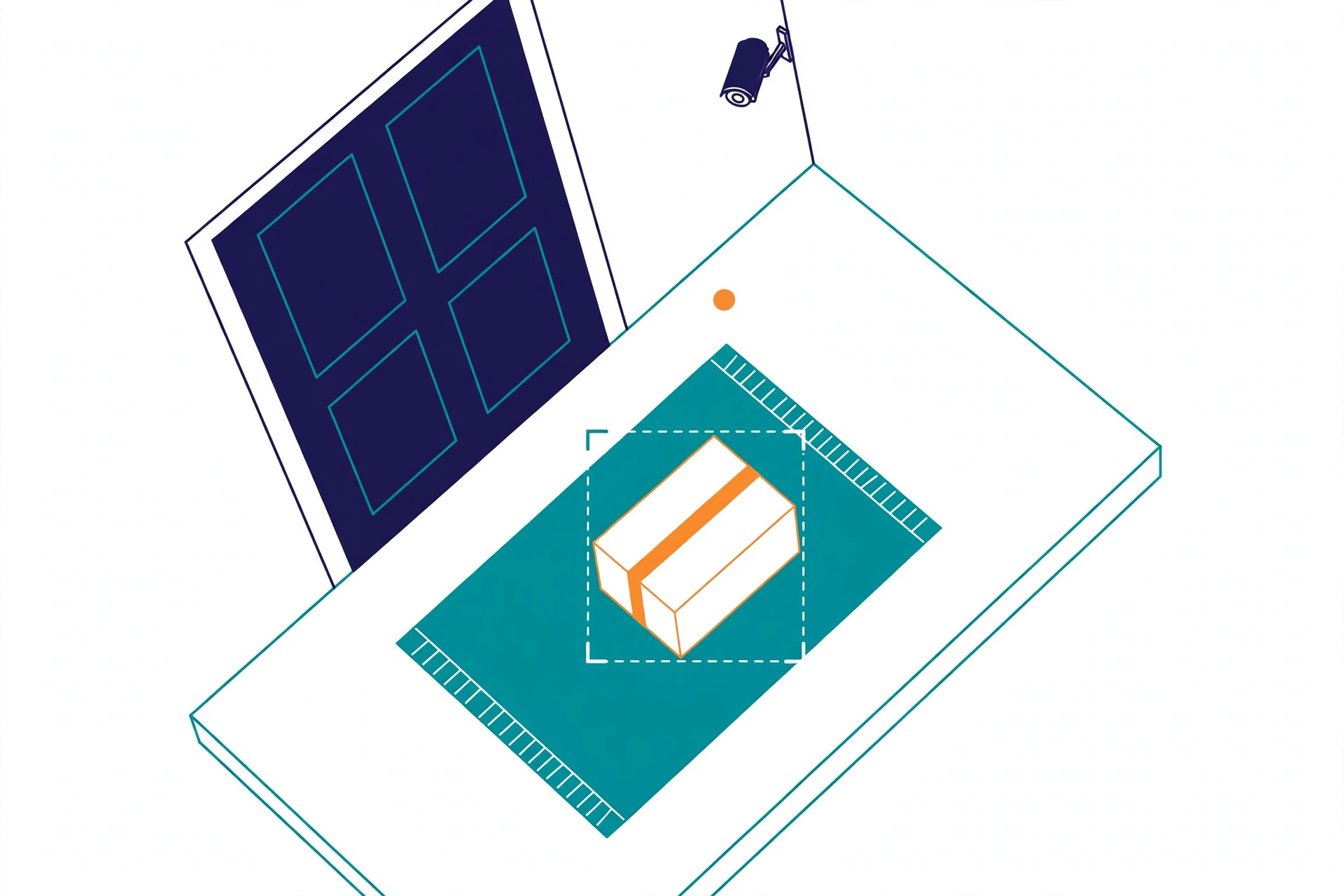
Porch pirates do not knock. They walk up, take the parcel, and walk away – usually in under a minute. So I built a package detector with YOLOv8n on a Raspberry Pi: the Pi camera watches the porch, the model spots a package, and if a person takes it, I get a photo and a “PACKAGE GONE” alert on Telegram. It caught the thief. With a photo.
What it does
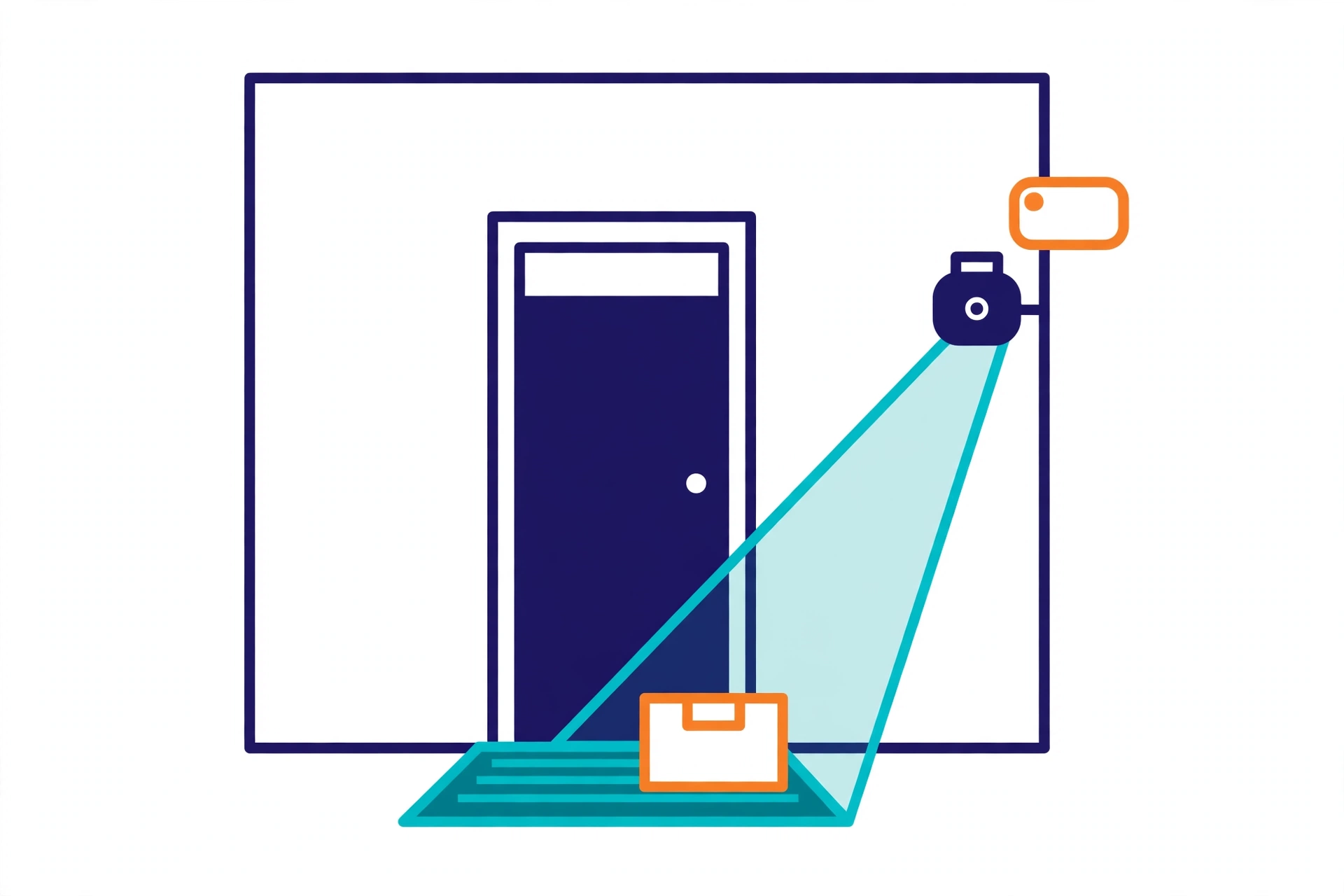
A Raspberry Pi camera watches your porch. YOLOv8n, the small and fast object detection model, spots a package when it is delivered. If a person then picks it up and the package disappears, the detector sends a photo and a “PACKAGE GONE” alert to you on Telegram – fast enough to act on.
- Pi camera watches the porch, day and night
- YOLOv8n spots packages and people in each frame
- If a person takes the package, Telegram gets a photo and a “PACKAGE GONE” alert
What it caught
In the demo, frame 1 finds the parcel at confidence 0.97 – the model is almost certain it is a package. Frame 2 finds a person at confidence 0.80, and the parcel is gone. The PACKAGE GONE dry-run alert fires once, with the photo attached. One alert, not a flood of them: the detector remembers it already warned you.
How it works
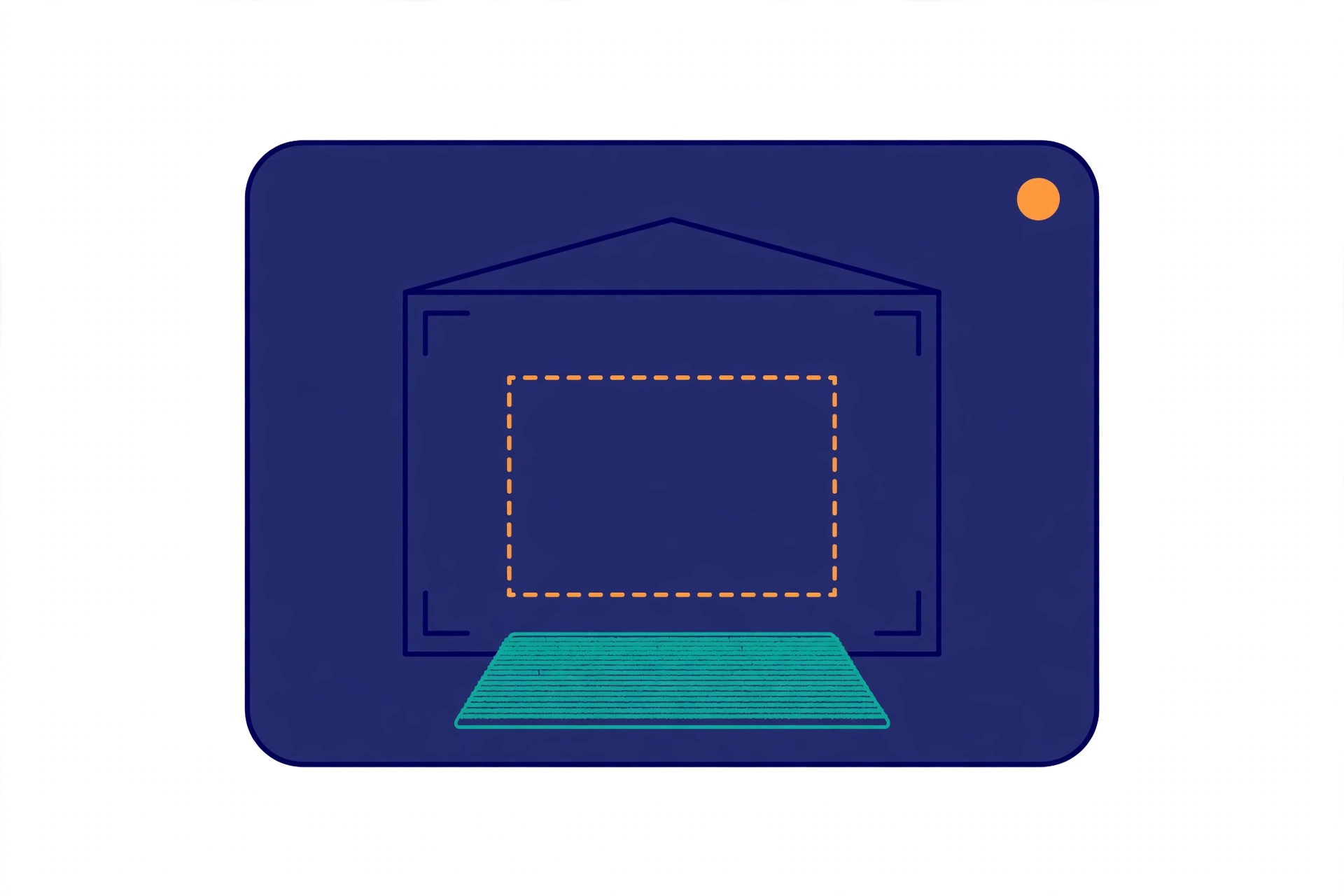
The camera feeds frames to YOLOv8n, which labels what it sees: package, person, or nothing of interest. Frigate can handle the camera stream and recording on the Pi, and the detector watches for one specific sequence: a package that was there, a person arriving, and then no package. That sequence triggers one Telegram alert with the frame as a photo.
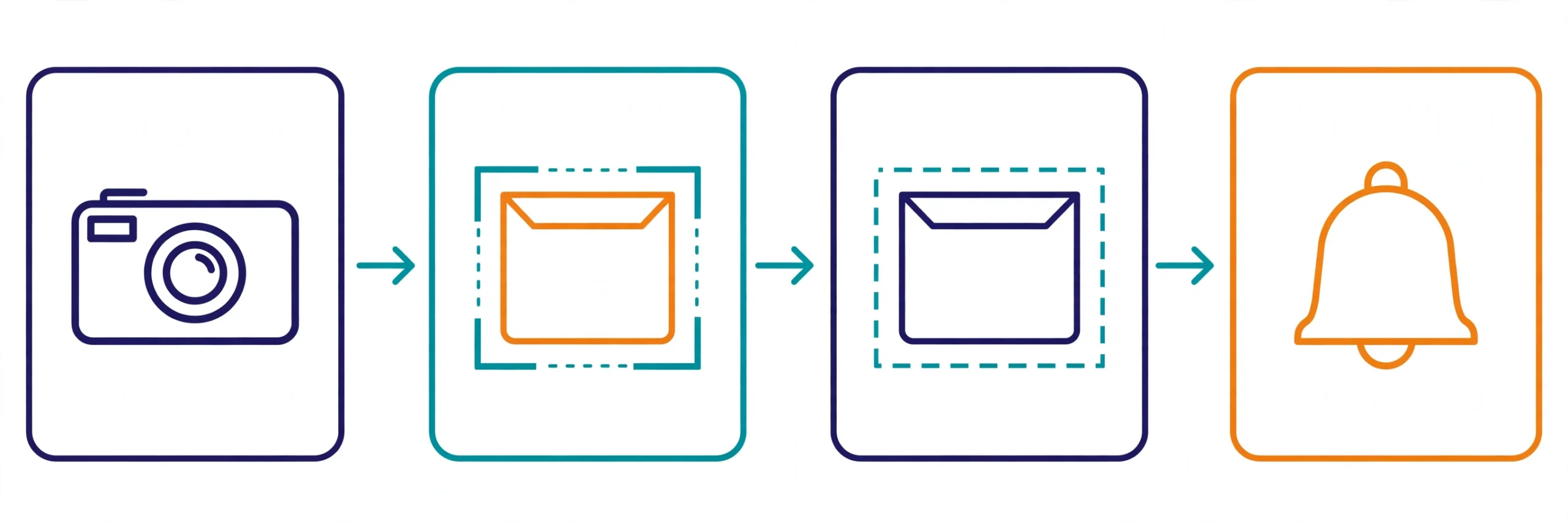
- Camera watches the porch
- YOLOv8n detects packages and people
- Package there, person arrives, package gone
- Telegram gets a photo and a PACKAGE GONE alert
The maths
Detection confidence is the model’s own score, from 0 to 1, for how sure it is about what it found: the parcel scored 0.97, the person 0.80. Two more numbers matter in plain words. Precision answers: of everything the detector called a package, how many really were packages? Recall answers: of all the real packages, how many did it spot? A good porch detector needs both high: high precision means few false alarms, high recall means it rarely misses a delivery.
What you need
- Raspberry Pi 5
- A camera for the Pi
- YOLOv8n, the small fast model
- A Telegram bot token for alerts
No Pi yet? Demo mode runs offline with two sample frames, so you can try the whole flow on your laptop first.
Build it
Install the dependencies, add your Telegram token, and run the demo.
pip install -r requirements.txtcp .env.example .envOpen .env and add your Telegram details:
TELEGRAM_BOT_TOKEN=your_bot_token_here
TELEGRAM_CHAT_ID=your_chat_id_here
python main.py --demoOn the Pi, run it against the camera:
python main.pyThe code
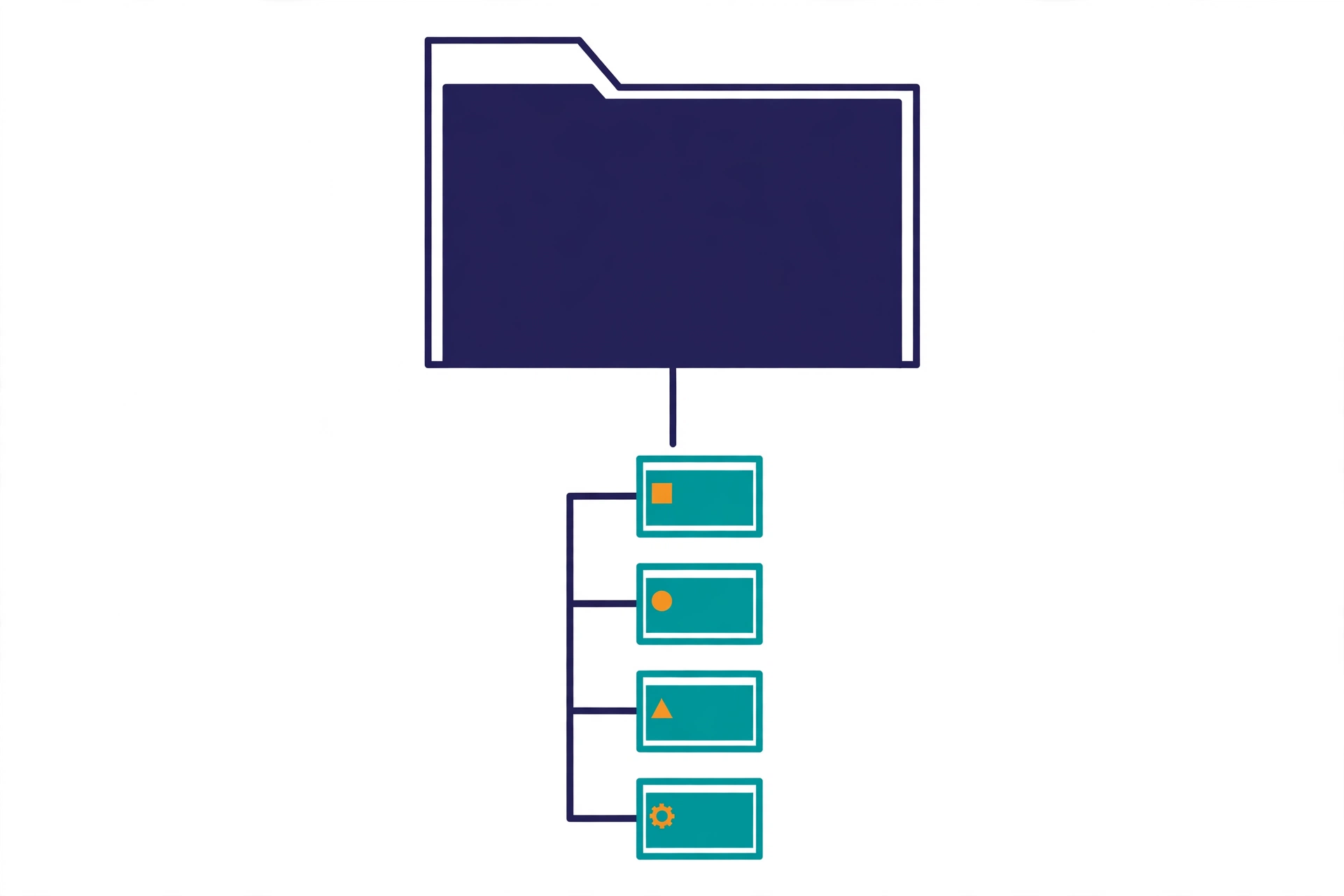
porch-pirate-detector/
+-- detector.py
+-- main.py
+-- config.py
+-- telegram_send.py
detector.py loads YOLOv8n and finds packages and people in a frame:
from ultralytics import YOLO

model = YOLO("yolov8n.pt")

def detect(frame):
    results = model(frame, verbose=False)[0]
    found = []
    for box in results.boxes:
        label = model.names[int(box.cls[0])]
        found.append((label, float(box.conf[0])))
    return found
main.py watches the sequence – package there, person arrives, package gone – and alerts once:
from detector import detect
from telegram_send import send_alert

def main(demo=False):
    parcel_seen = False
    alerted = False
    for frame in frames(demo):
        found = detect(frame)
        labels = [label for label, conf in found]
        if "package" in labels:
            parcel_seen = True
        if parcel_seen and "person" in labels and "package" not in labels:
            if not alerted:
                send_alert(frame, "PACKAGE GONE")
                alerted = True
What broke
The navy front door kept merging into the “person” detection – its dark, tall shape read as a person standing at the door, so the detector fired on an empty porch. The match tolerance was tightened from 40 to 25, so only a tighter match counts as a person, and the demo images were switched to PNG so JPEG compression artefacts stopped confusing the detector. After that, the door is a door again, and only a real person triggers the alert.
Download the project
Unzip the project, copy .env.example to .env, fill in your Telegram bot token and chat ID, and run main.py –demo to see the whole flow offline.
Premium Download
Get the complete project code